Integration Testing Plugins
When building a component library, ensuring components remain accessible, semantically valid, and visually consistent over time is critical.
Django Design System provides an optional, plugin-based testing engine that automatically loops through every variant and every theme of your components (or a filtered subset) to run assessments.
Out of the box, we provide plugins for: - Accessibility: Automatically run Axe-core against every state of every component to catch WCAG violations early. - HTML Validation: Strictly parse the rendered component HTML to ensure there are no orphaned or unclosed tags that could break a consumer's page layout. - Visual Regression: Compare components pixel-by-pixel against known baselines using pixelmatch, generating diff images automatically when styles diverge.
1. How Optional Dependencies Work
If you only want to use the design system to render components, you simply install the core package:
pip install dj-design-system
This installs only the core requirements (like Django). It does not install heavy testing libraries like Playwright, pixelmatch, or Axe-core.
If you want to write tests using our assessment tools, you specify the relevant "extra" in your installation command. By breaking the testing tools into specific groups, you can opt-in only to the libraries you actually need.
testing-a11y: Installs Playwright andaxe-playwright-pythonfor accessibility testing.testing-visual: Installs Playwright,Pillow, andpixelmatchfor visual regression testing.testing-playwright: Installs only Playwright (useful for HTML validation).testing-all: Installs everything.
What if I forget the dependency?
Because our plugins use lazy imports, your test suite won't immediately crash if you haven't installed the extras. Instead, when you instantiate or run a plugin, it catches the ImportError and raises a friendly, actionable error instructing you on exactly what to install (e.g. pip install "dj-design-system[testing-a11y]").
2. Walkthrough: Testing a Component
Let's walk through testing your components using Pytest.
Step 1: Installation
First, install the package with the specific extra you need (e.g., accessibility):
pip install "dj-design-system[testing-a11y]"
playwright install --with-deps
Step 2: Writing the Test
In your Django app, write a standard Pytest test using pytest-playwright and our IterationEngine:
# my_app/tests/test_components.py
from dj_design_system import component_registry
from dj_design_system.testing.engine import IterationEngine
from dj_design_system.testing.plugins import AccessibilityPlugin


def test_component_accessibility(page, live_server):
    # 1. Instantiate the Axe accessibility plugin
    a11y_plugin = AccessibilityPlugin(page=page, base_url=live_server.url)

    # 2. Feed it into our IterationEngine with all your components
    engine = IterationEngine(components=component_registry.list_all())

    # 3. Run the plugins against the engine
    engine.run_plugins([a11y_plugin])
Step 3: Filtering Components
If your suite is large, or you only want to test specific components, you can use the engine's filtering capabilities. Filters are functions that take (component, variant, theme) and return a boolean.
engine = IterationEngine(components=component_registry.list_all())

# Only test components in the 'core' app
engine.add_filter(lambda comp, variant, theme: comp.app_label == "core")

# Exclude 'maximal' variants from testing
engine.add_filter(lambda comp, variant, theme: variant != "maximal")

engine.run_plugins([a11y_plugin])
Step 4: Running the Test
Run pytest.
- The IterationEngine automatically loops through every valid component combination.
- The AccessibilityPlugin renders the component in isolation and runs Axe-core against the HTML.
- If you have missing aria-labels or poor color contrast, the test fails, and you get detailed Axe-core output indicating exactly which component variant failed.
3. Available Assessment Plugins
AccessibilityPlugin
Uses Axe-core to ensure your components meet WCAG accessibility standards.
from dj_design_system.testing.plugins import AccessibilityPlugin

plugin = AccessibilityPlugin(
    page=page,
    base_url=base_url,
    # You can disable specific axe rules (e.g., page-level rules for isolated components)
    disabled_rules=["landmark-one-main", "page-has-heading-one", "region"],
)
Example Accessibility Failure
When Axe-core detects a violation (such as poor color contrast), the test fails with detailed diagnostics:
[badge | basic | dark | AccessibilityPlugin]: Accessibility violations found:
Found 1 accessibility violations:
Rule Violated:
color-contrast - Ensure the contrast between foreground and background colors meets WCAG 2 AA minimum contrast ratio thresholds
    Impact Level: serious
    Elements Affected:

    1)      Target: span
            Snippet: <span class="badge ">None</span>
            Messages:
            * Element has insufficient color contrast of 2.1 (foreground color: #ffffff, background color: #89b4fa). Expected contrast ratio of 4.5:1
HTMLValidationPlugin
Performs strict parsing of the rendered HTML to ensure there are no orphaned or mismatched tags. This is critical for preventing malformed components from breaking larger page layouts.
from dj_design_system.testing.plugins import HTMLValidationPlugin

plugin = HTMLValidationPlugin(page=page, base_url=base_url)
Example HTML Validation Failure
If a component emits invalid HTML (such as closing a self-closing tag incorrectly), the strict parser will catch it:
[divider | basic | light | HTMLValidationPlugin]: HTML validation failed:
Mismatched closing tag: expected </div>, got </hr>
Orphaned closing tag: </div>
Orphaned closing tag: </body>
Orphaned closing tag: </html>
VisualRegressionPlugin
Uses Pixelmatch to compare the component against a known baseline snapshot. If the component looks different, the test fails.
from dj_design_system.testing.plugins import VisualRegressionPlugin

plugin = VisualRegressionPlugin(
    page=page,
    base_url=base_url,
    # Set to True to overwrite existing baselines
    update_snapshots=False,
    # Set to True to generate a visual diff image on failure
    enable_diff=True,
    threshold=0.1,
    baseline_dir="tests/snapshots/baseline",
    actual_dir="tests/snapshots/actual",
    diff_dir="tests/snapshots/diff",
)
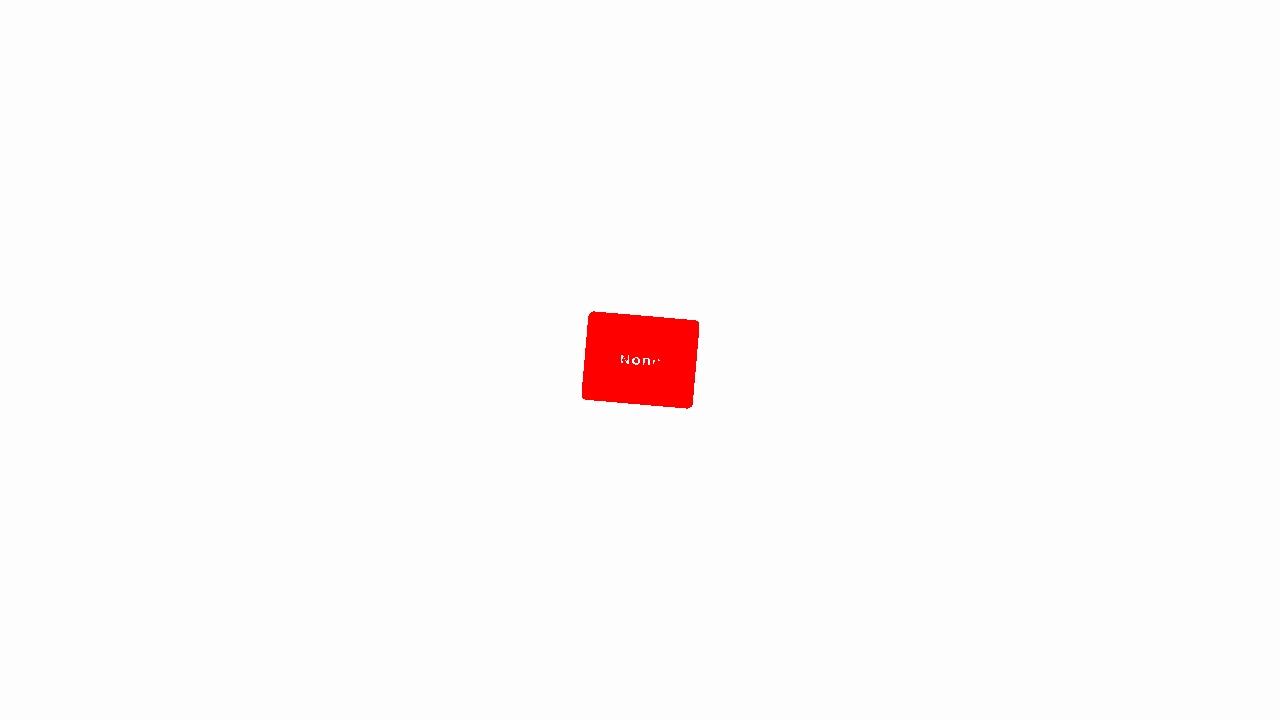
Example Visual Regression Failure
When a component changes visually, the plugin can generate a diff image highlighting exactly what changed:
4. Writing Custom Plugins
The architecture is highly extensible. If you want to assert something specific—such as SEO metadata, custom data attributes, or framework-specific conventions—you can easily write your own plugin by subclassing AssessmentPlugin.
from dj_design_system.testing.engine import AssessmentPlugin
import urllib.parse


class MyCustomPlugin(AssessmentPlugin):
    def __init__(self, page, base_url):
        self.page = page
        self.base_url = base_url

    def run_assessment(self, component, variant, theme):
        # 1. Construct the URL for the isolated component preview
        params = {"component": component.qualified_name, "theme": theme}
        # (You would normally inject kwargs based on the variant here)

        url = f"{self.base_url}/_canvas/?{urllib.parse.urlencode(params)}"
        self.page.goto(url)

        # 2. Assert your custom logic
        if not self.page.locator(".my-required-class").is_visible():
            # 3. Raise an AssertionError if your check fails
            raise AssertionError(f"{component.name} is missing .my-required-class!")